Default Print Reports in Landscape
What Default Print Reports in Landscape does
When you click on the printer icon on a report - RightTool will automatically switch the print to landscape mode.
Video tutorial
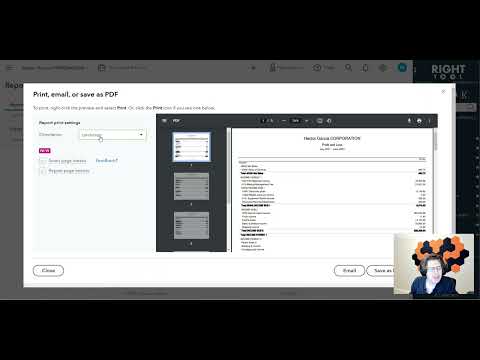
How to turn on Default Print Reports in Landscape
- Install the RightTool for QuickBooks Online Chrome extension.
- Open the RightTool options page and choose Classic Reports in the sidebar.
- Switch on Default Print Reports in Landscape, then click Save & Refresh All QBO Tabs.
Default Print Reports in Landscape is free
Included in the free RightTool Chrome extension for QuickBooks Online.
Add RightTool to ChromeMore Classic Reports features
- Audit Log Transaction Date Filter
- Totals in Sales Tax Liability Reports
- Customer P&L Link
- Report Preset Button