Totals in Sales Tax Liability Reports
What Totals in Sales Tax Liability Reports does
Also known as Totals in Sales Tax Liability Report.
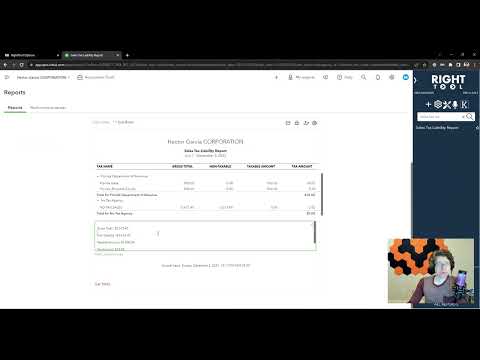
Creates a button that calculates the totals in the 'Sales Tax Liability Report' then appends the totals to the notes of the report.
Video tutorial
How to turn on Totals in Sales Tax Liability Reports
- Install the RightTool for QuickBooks Online Chrome extension.
- Open the RightTool options page and choose Classic Reports in the sidebar.
- Switch on Totals in Sales Tax Liability Reports, then click Save & Refresh All QBO Tabs.
Totals in Sales Tax Liability Reports is free
Included in the free RightTool Chrome extension for QuickBooks Online.
Add RightTool to Chrome