Why Get Certified?
RightTool offers 2 certifications paths: Certified User and Certified Expert. Getting certified is the easiest way to learn about all and master the features that RightTool provides, allowing you to maximize your RightTool experience.
Our RightTool "Certified User" Certification course demos all the features included in RightTool FREE. This course is avaliable at no cost for all users
Our RightTool "Certified Expert" Certification course demos all the features exclusive to our PRO/Lite Packages. You must first complete the RightTool "Certified User" Course in order to take this course. Becoming a Certified Expert is avaliable at no cost to PRO Users as a benefit of your PRO Account.
RightTool Certification - Certified User
RightTool Certification - Certified Expert
Completing the RightTool Certification - Certified Expert Course also comes with the following benefits:
- Directory Listing: You will have the ability to create a directory profile for your user and list yourself in either our public or PRO only directory (or both).
- Priority Technical Support: We pride ourselves on having great technical support and try to get to everyone as quickly as possible. However, we will treat our Certified Experts with a ❇White Glove❇ experience
- Better Affliate Links (Coming Soon): PRO Users can generate affiliate links that provide a 10% discount and 10% profit share for the lifetime of the discount. Certified Experts can generate links with 20% discount and 20% profit share for the lifetime of the discount.
- Shop Discount (Coming Soon): Certified Experts always get a 10% discount inside our RightTool Official Merch Shop.
How To Get Certified
If you already have an account, log in by clicking this link, and follow the directions below to get to the Certification Course area. If you don't have a RightTool account, you can make one by clicking here and get to the Certification Courses by following the directions below.
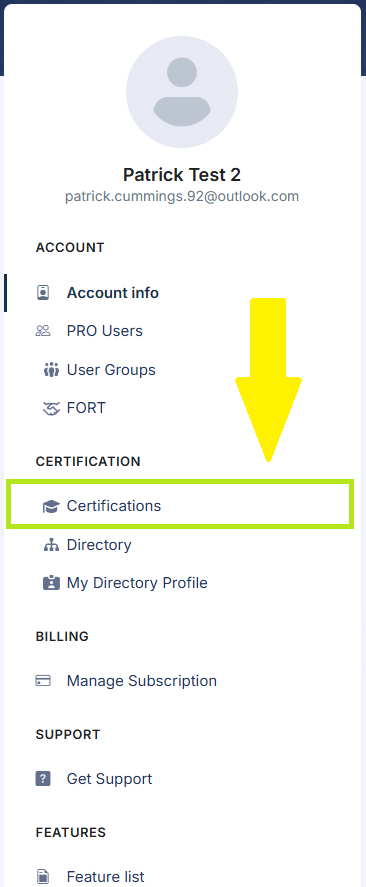
Once you log in, navigate to the Certification page by clicking 'Certifications' from the left-hand menu.
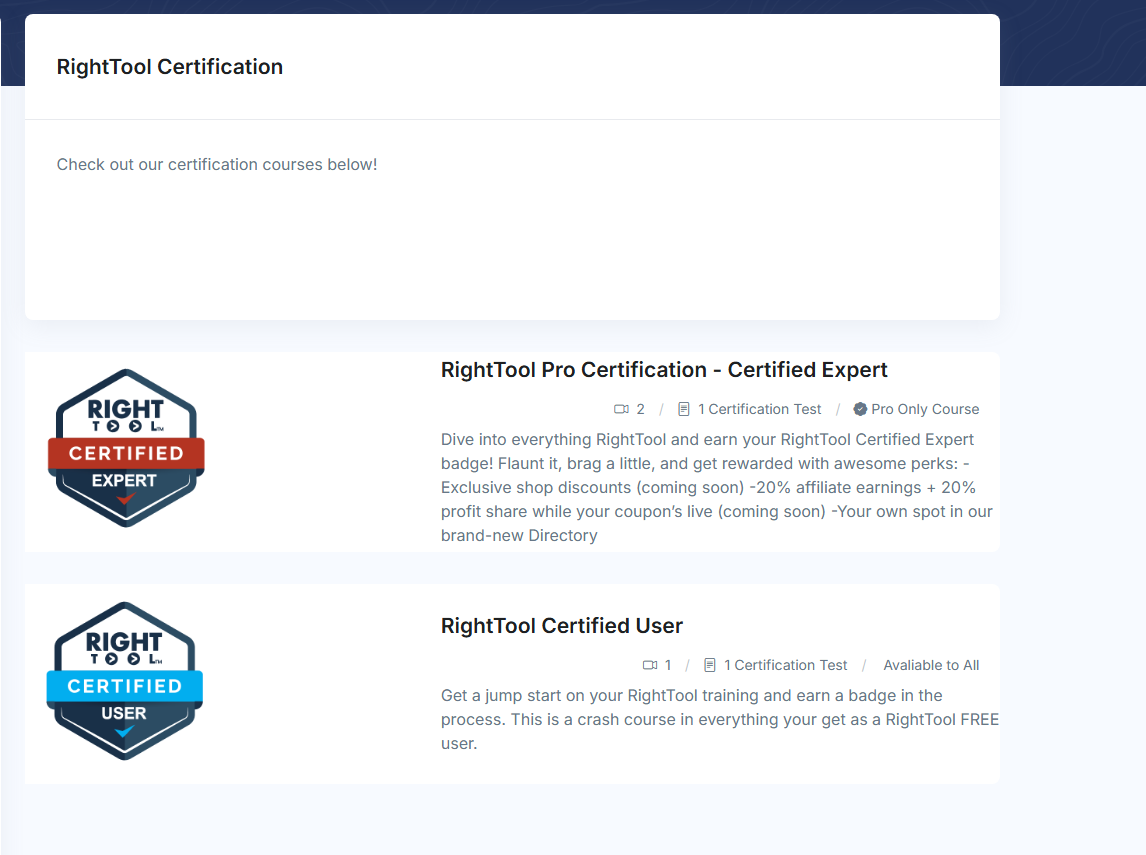
Then, from the Certifications page, select your desired certification course (note: some Certifications may have requirements before you can access them).
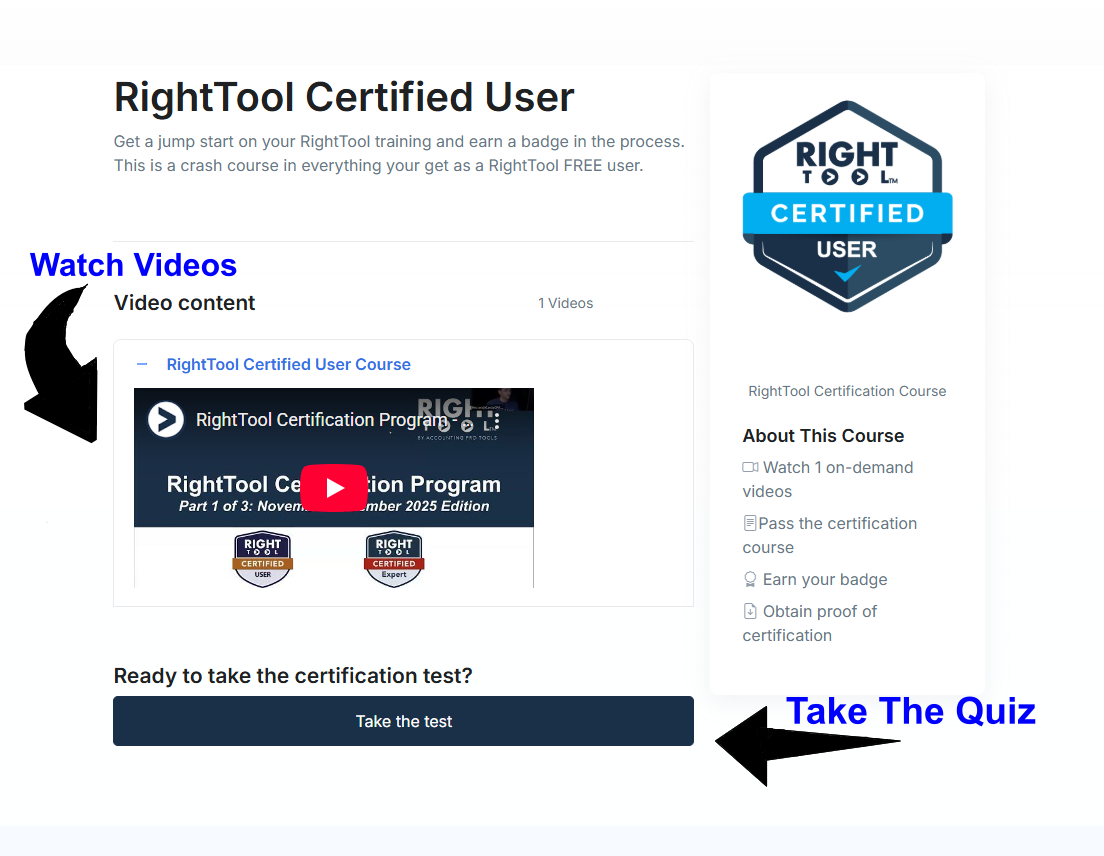
Watch the videos for the course, take the quiz and that's it you will have your certification!