Audit Log Transaction Date Filter
What Audit Log Transaction Date Filter does
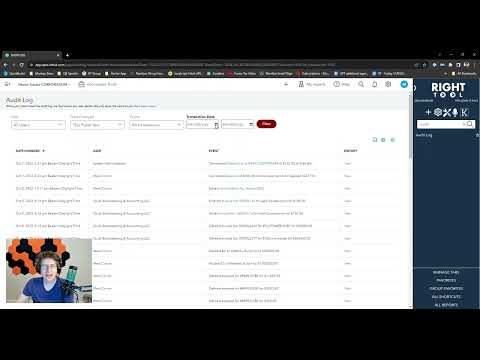
Allows you to filter your current page of the audit log for Transactions within certain dates.
Video tutorial
How to turn on Audit Log Transaction Date Filter
- Install the RightTool for QuickBooks Online Chrome extension.
- Open the RightTool options page and choose Classic Reports in the sidebar.
- Switch on Audit Log Transaction Date Filter, then click Save & Refresh All QBO Tabs.
Audit Log Transaction Date Filter is free
Included in the free RightTool Chrome extension for QuickBooks Online.
Add RightTool to Chrome