Batch Net Balance Indicator
What Batch Net Balance Indicator does
Also known as Batch Transaction Net Indicator.
Shows the net balance of money in and out when selecting multiple transactions in the bank feed.
Video tutorial
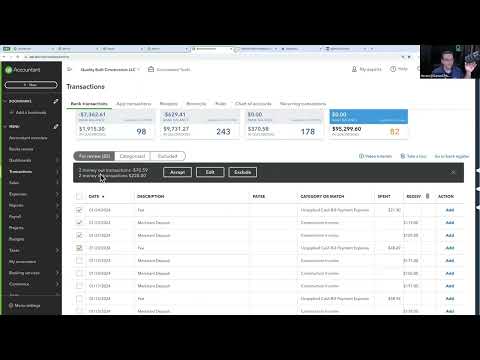
How to turn on Batch Net Balance Indicator
- Install the RightTool for QuickBooks Online Chrome extension.
- Create a RightTool account and upgrade to PRO, then log in from the RightTool options page.
- Open the RightTool options page and choose Bank Feeds PRO in the sidebar.
- Switch on Batch Net Balance Indicator, then click Save & Refresh All QBO Tabs.
Get Batch Net Balance Indicator with RightTool PRO
Unlock Batch Net Balance Indicator and every other PRO feature for QuickBooks Online.
Go PRO Add to ChromeMore Bank Feeds PRO features
- Show Last Reconciled Date in Banking
- Fetch Classes/Locations in Categorization History
- Bank Rule Page Enhancements
- Batch Edit Rules