Reports Enhanced Drilldown
What Reports Enhanced Drilldown does
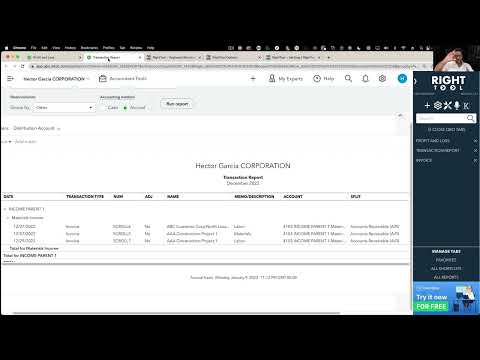
Modifies reports so that if you click in any number to drill down, it opens in a new tab. Auto closes when a transaction is opened from a report drill down, so when user clicks on X or Save and close, the tab auto closes. Reports open in new tabs.
Video tutorial
Options
Once Reports Enhanced Drilldown is on, you can fine-tune it with these settings:
- Don't Refresh Report After Saving
How to turn on Reports Enhanced Drilldown
- Install the RightTool for QuickBooks Online Chrome extension.
- Open the RightTool options page and choose Tab Management in the sidebar.
- Switch on Reports Enhanced Drilldown, then click Save & Refresh All QBO Tabs.
Reports Enhanced Drilldown is free
Included in the free RightTool Chrome extension for QuickBooks Online.
Add RightTool to ChromeMore Tab Management features
- Close Sidebar After Clicking A Favorite
- Clickable Recurring Transaction Names
- Deposits New Tabs
- Auto Open Bank Feed When Switching Files