See Reconcile Dates in Balance Sheet
What See Reconcile Dates in Balance Sheet does
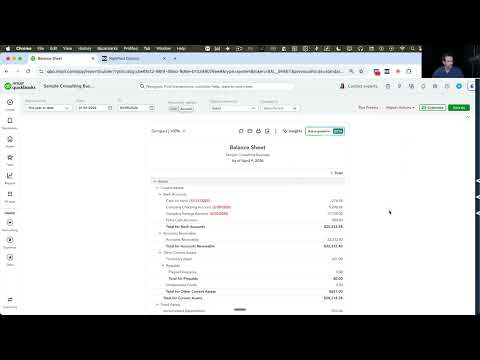
In the 'Report Actions' menu, an option will allow you to append the last reconciled date to accounts that have them in the Balance Sheet.
Video tutorial
How to turn on See Reconcile Dates in Balance Sheet
- Install the RightTool for QuickBooks Online Chrome extension.
- Create a RightTool account and upgrade to PRO, then log in from the RightTool options page.
- Open the RightTool options page and choose Modern Reports PRO in the sidebar.
- Switch on See Reconcile Dates in Balance Sheet, then click Save & Refresh All QBO Tabs.
Get See Reconcile Dates in Balance Sheet with RightTool PRO
Unlock See Reconcile Dates in Balance Sheet and every other PRO feature for QuickBooks Online.
Go PRO Add to ChromeMore Modern Reports PRO features
- Right Click Menu in Modern Reports
- Period Stepper (« » Previous / Next Period)
- Drilldown Preset
- Show Last Modified Date on Custom Reports Screen