Edit Online Payment Toggle in Invoice List
What Edit Online Payment Toggle in Invoice List does
Adds a 'Check Online Payments' action to the Report Actions menu on the Invoice List report, letting you review and edit which invoices have online payments enabled. On the Invoice List report the Report Actions menu is shown even if the general Report Actions setting is off.
Video tutorial
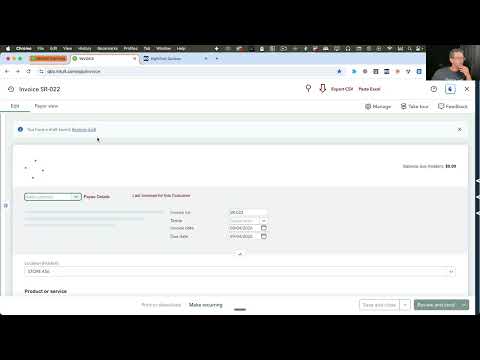
How to turn on Edit Online Payment Toggle in Invoice List
- Install the RightTool for QuickBooks Online Chrome extension.
- Create a RightTool account and upgrade to PRO, then log in from the RightTool options page.
- Open the RightTool options page and choose Lists PRO in the sidebar.
- Switch on Edit Online Payment Toggle in Invoice List, then click Save & Refresh All QBO Tabs.
Get Edit Online Payment Toggle in Invoice List with RightTool PRO
Unlock Edit Online Payment Toggle in Invoice List and every other PRO feature for QuickBooks Online.
Go PRO Add to ChromeMore Lists PRO features
- Last Invoices Link
- PO Status Manager
- Customer Credits & Notes Link
- Batch Change Products/Service Accounts