Right Click on Classic Reports to go to Register/Reclassify
What Right Click on Classic Reports to go to Register/Reclassify does
Right-click a number in a classic report to jump straight to that account - 'Open QBO Reclassify' and, on the Balance Sheet, 'Open QBO Register'. The modern report builder has its own menu with more options, under Modern Reports PRO.
Video tutorial
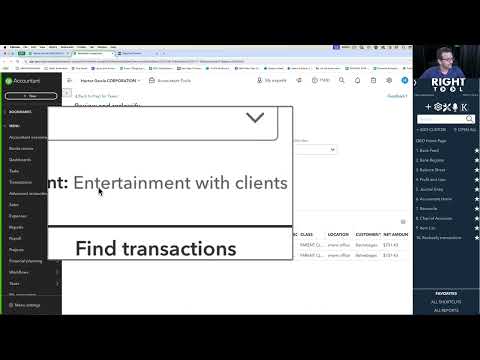
How to turn on Right Click on Classic Reports to go to Register/Reclassify
- Install the RightTool for QuickBooks Online Chrome extension.
- Create a RightTool account and upgrade to PRO, then log in from the RightTool options page.
- Open the RightTool options page and choose Accountant PRO in the sidebar.
- Switch on Right Click on Classic Reports to go to Register/Reclassify, then click Save & Refresh All QBO Tabs.
Get Right Click on Classic Reports to go to Register/Reclassify with RightTool PRO
Unlock Right Click on Classic Reports to go to Register/Reclassify and every other PRO feature for QuickBooks Online.
Go PRO Add to ChromeMore Accountant PRO features
- Journal Entry Save and Reverse
- Auto Open Client Notes on Client Switch
- Copy To Different Transaction Types
- Hide transactions w/ attachments