Keyboard Shortcuts
What Keyboard Shortcuts does
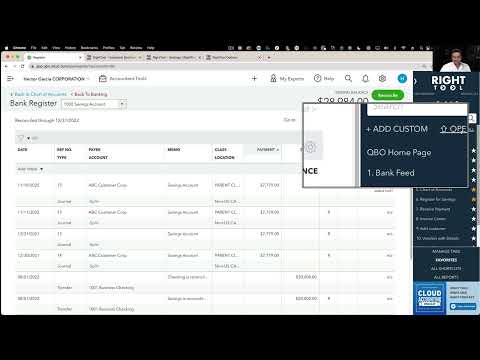
RightTool adds a myriad of Keyboard shortcuts that significantly enhances the experience of QBO
Video tutorial
Options
Once Keyboard Shortcuts is on, you can fine-tune it with these settings:
- CTRL + SHIFT Down Arrow – Closes All QBO Tabs
- CTRL + SHIFT Left Arrow – Toggle Left Nav Bar
- CTRL + SHIFT Right Arrow – Toggle RightTool Bar
- CTRL + SHIFT Up Arrow – Open All Favorites
- CTRL + SHIFT V – Quick Scroll To The Bottom/Top
How to turn on Keyboard Shortcuts
- Install the RightTool for QuickBooks Online Chrome extension.
- Open the RightTool options page and choose Accessibility in the sidebar.
- Switch on Keyboard Shortcuts, then click Save & Refresh All QBO Tabs.
Keyboard Shortcuts is free
Included in the free RightTool Chrome extension for QuickBooks Online.
Add RightTool to ChromeMore Accessibility features
- Enable Speech-To-Text Dictation
- Black/White Color Scheme
- Color Blind Negatives
- Custom Color for RT Features